For photographers
A link in bio for photographers
A link in bio for photographers is one URL for the portfolio, a date you can hold, and the client gallery you already host. The note can still arrive as a DM. This is the page you send before you answer it.
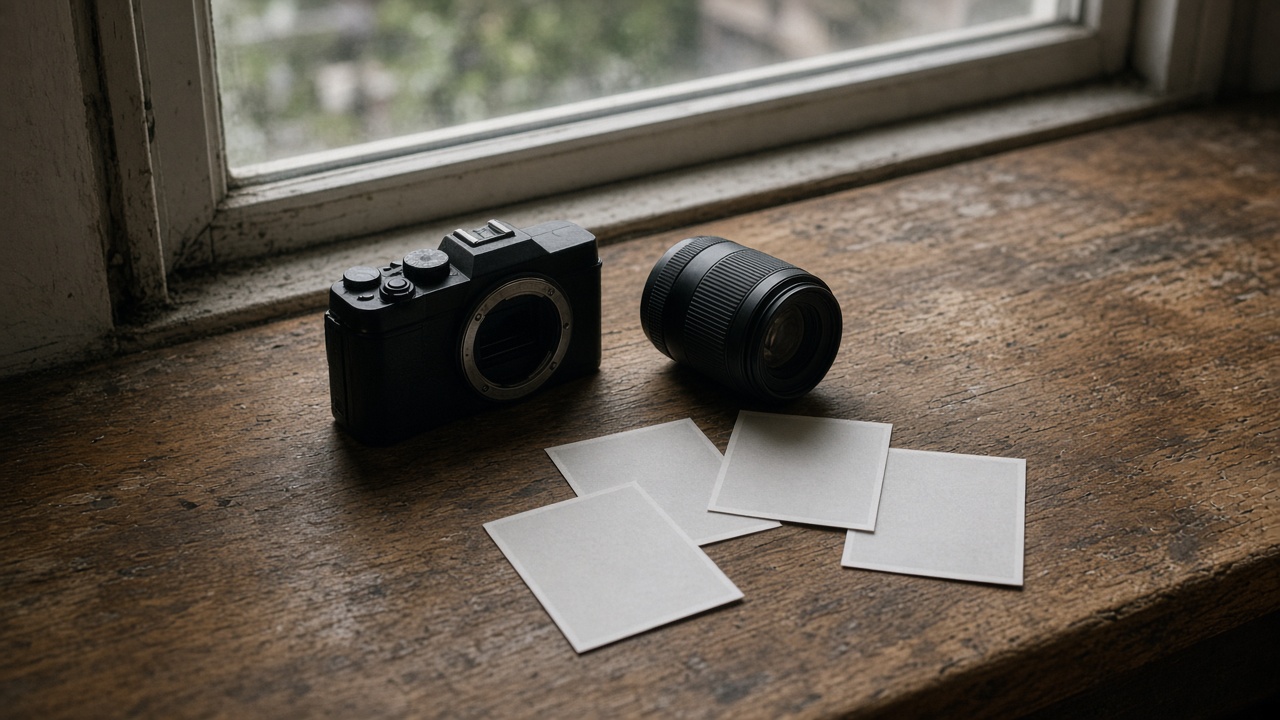
The inquiry lands in three places
The note shows up as an Instagram DM, then again by email, then through a contact form on a site you stopped opening. Each one asks if a date is free, where the weddings are, and where the pictures live. You answer from whichever inbox you happened to see.
The page does not close those inboxes. It is the address you put in the website field, and on a card, so the next person starts from the same links. A username reads yourspage.com/yourname. You still write the reply.
What goes on the page
Put Instagram and email up as icons. The date comes next. In the sample that button is highlighted, titled "Check a date", and it is a normal link to a Calendly URL, not a player. A Calendly player block also exists if you want the scheduler on the page itself. The embed provider is calendly. Any other booking link can sit there as a button instead. The time is booked on that service. We do not take a fee, because we do not process the payment.
Under a Work heading, link Weddings, Portraits, and the client gallery you already host. A save-contact block builds a vCard from the name, organization, phone, email, and website you enter. It is not a CRM. A text line can say the galleries stay on the proofing site. An image block, or a gallery block of up to 12 pictures, is for a few frames on this page. It is not a client delivery system. Claim your page, then point the buttons at the gallery and the calendar you already use.

What this page does not replace
Proofing stays on the host you already pay for. A Pixieset-style gallery, with the password, the favorites, and the print order, stays there. This page links to it. The files do not move, and a client does not have to learn a second gallery.
A contract still goes out from the tool that sends contracts. An invoice still goes out from the tool that sends invoices. A date link holds a time on a calendar. It is not the contract. The save-contact block only downloads a vCard onto a phone. It does not store the inquiry, and it does not chase anyone.
After they tap
After you publish, analytics shows views, which block was tapped, the referrer, the country, and the device. You do not get the person's name. You do not get which Instagram account opened the page. A tap on the client gallery is a click. Whatever happens inside the proofing site stays on that site.
A username is what you paste into Instagram. When that address is the wrong one for a card, a custom domain is one DNS record. SSL is issued when you publish. The registrar keeps the name, and you still pay them for it. Prices are on the pricing page. How this compares with one other host is on the Linktree page.
Set up a link in bio for photographers
- Claim a name. Pick the username. The public address will read yourspage.com/yourname. The draft stays on your account until you publish, so you can arrange the page before you pay.
- Add the icons and the date. Add Instagram and email. Add a highlighted link to the calendar you already use, titled the way you would say it. Check a date is the wording in the sample, and that button is a normal link. Use a Calendly player block only if the scheduler should sit on the page.
- Link the work you already host. Add Weddings, Portraits, and Client gallery as links to pages you already have. Add a save-contact block with your name and a way to reach you. Add a text line that the galleries stay on the proofing site.
- Leave the job files where they are. Do not treat an image block or a gallery block as delivery. A few pictures on this page are for someone deciding whether to write. The proofs, the contract, and the invoice stay in the tools that already handle them.
- Publish, then read the taps. Publish, then paste the URL into the Instagram website field. Views and per-block taps show up after that. Add a domain later if the username is not what you want printed on a card.
Questions
What is a link in bio for photographers?
One URL for the portfolio, a date link, and the client gallery you already host. Put it in the Instagram website field so a couple opens those links before they DM you. The page does not host proofing, send contracts, or invoice the job. You can finish the draft before you pay. The address is public only after you publish.
Can clients book from the page?
Yes. Add a normal link to a Calendly URL, which is what a highlighted Check a date button does, or a Calendly player block whose embed provider is calendly. Any other booking link works the same way. The time is booked on that service. We do not take a fee, because we do not process the payment.
Can I host a client gallery here?
No. Client proofing galleries stay on the site you already use. A password, favorites, and a print order belong there, and this page only links out. An image block or a gallery block can show a few pictures on the page. That set is not a delivery system for a finished job.
Do you take a cut of a booking?
No. The date is booked on Calendly or on whatever booking link you already use, and the payment happens there. We do not process it, so there is no percentage to take. A print order on the proofing site works the same way. A tap on this page is only a click. The checkout stays on the other site.
What do I see after someone taps?
Views, which block was tapped, the referrer, the country, and the device. You do not see the person's name, and you do not see which Instagram account opened the page. A gallery tap is a click whose next step belongs to the proofing site. The same limit applies to a booking. The report starts after you publish.
Can a photographer use a custom domain?
Yes. Point a hostname you already own at the page with one DNS record, and SSL is issued when you publish. The registrar keeps the name, and you still pay them for the registration. A username URL is enough for an Instagram bio. Use the domain when that username is not the address you want on a business card.
Related
Artists, Freelancers, Small business.
A link in bio for photographers is the address you send when the note would otherwise split across a DM, an email, and a form you forgot. Claim your page.